Mandate Order PC Controls
Default keyboard and mouse bindings for city-building, logistics UI, and real-time formation combat.
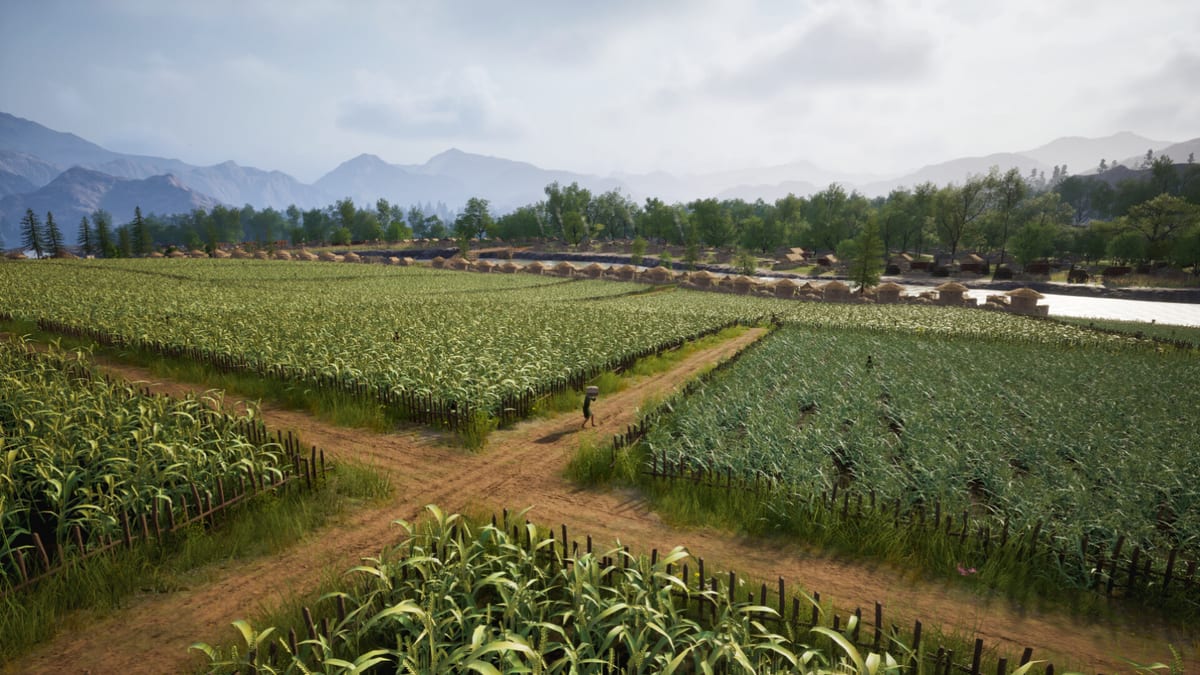
Mandate Order on PC uses a strategy-standard mouse for selection and world interaction, with keyboard shortcuts for camera modifiers, time control, and quick panels. Steam advertises mouse-only accessibility, meaning you can reach core loops without WASD movement, though many players still use keys for speed. Early Access builds may rename or rebind actions; open Settings → Controls after each major patch and compare against this reference compiled from demo footage, preview hands-on reports, and typical Digital Sky UI patterns.
Master these controls in the first session so getting started checklists are not fighting bad habits. Logistics failures feel like broken keys when the real issue is warehouse range—confirm inputs here, then troubleshoot freight in how to manage logistics.
Camera and selection basics
| Action | Typical input | Notes |
|---|---|---|
| Pan camera | Middle mouse drag or edge scroll | Edge scroll helps mouse-only play; disable if accidental pans annoy you. |
| Rotate camera | Middle mouse or assigned Q/E keys | Rotation matters when placing walls along diagonal ridges from map guides. |
| Zoom | Mouse wheel | Zoom in for placement precision; zoom out only after verifying road paths locally. |
| Select unit/building | Left click | Shift-click adds to selection where supported. |
| Issue command | Right click | Context differs in build mode versus battle mode. |
| Cancel / deselect | Esc or right-click empty ground | Habitually deselect before placing new structures. |
Camera details and construction modifiers live in camera and construction.
Time control and saves
Steam feature tags include save at any time and adjustable difficulty. Expect explicit pause, slow, and fast time controls reachable from the top bar or hotkeys—exact labels vary by build. Use pause during first formation drills and before deleting freight stations linked to armories.
Save before:
- Major terraforming near farms or wells.
- First large conscription push from how to conscript.
- Experimental difficulty increases when invasions escalate.
City-building and logistics controls
Construction mode combines palette selection, ghost placement, and confirm clicks. Freeform build means peasants walk real paths—always rotate the camera to inspect approach routes, not only top-down prettiness.
| Action | Typical input | Notes |
|---|---|---|
| Open build menu | Left click hammer/build icon or hotkey | Categories mirror survival, industry, military, and defense groupings. |
| Place structure | Select blueprint → click valid ground | Invalid slopes flash red; consult terrain guides before forcing placement. |
| Rotate building | R or mouse wheel while placing | Use on gates and workshops facing roads. |
| Lay road | Road tool → click drag path | Roads define courier routes; shortcuts create future bottlenecks. |
| Inspect building | Left click existing structure | Opens production, storage, and demand panels. |
| Adjust warehouse priority | Drag sliders / priority icons in panel | Mis-clicks here mimic “broken” supply chains. |
| Assign retainers | Click retainer UI → assign to role | See how to recruit retainers. |
Logistics panels are the hidden skill ceiling. When a workshop complains about missing clay, the fix is usually freight configuration, not a new hotkey.
Combat controls and Quick Line Drawing Formation
Battles reuse selection vocabulary but change what right-click means. Preview coverage and event demos emphasize Quick Line Drawing Formation:
- Select a military group with left click or box drag.
- Right-click drag from the unit toward the intended front.
- Release so troops march in formation, then spread into a line shaped by the drag path near the destination.
- Repeat for secondary groups to form pincers, wedges, or layered archer lines.
| Action | Typical input | Notes |
|---|---|---|
| Select army | Left click / box select | Double-click type selection may appear in later patches. |
| Move without line | Right click destination (short click) | Good for repositioning reserves inside walls. |
| Draw formation line | Right-click drag | Core skill for formations and line drawing. |
| Focus fire / ability | Context buttons on unit card | Siege engines and special units may expose extra icons. |
| Cycle groups | Number keys if assigned | Assignment support varies in Early Access; check controls menu. |
Formation mistakes tied to input
- Dragging through gates: lines compress and break cohesion.
- Short drags: units blob instead of forming a front.
- Overlapping drags: multiple groups stack on one wall stair.
- Dragging uphill without noticing elevation: archer value changes with height in previews.
Rehearse with a small garrison before field battles. Pair input practice with troop types so you draw lines matching weapon range.
Siege and defense controls
Wall fighting adds verticality: move units onto ramparts, place sally ports, and interact with towers, ballistae, and catapults as build objects with combat roles. Selection works like field units, but pathing near corners is fragile in beta—issue orders early, not at breach moment.
Read walls and siege for tactical goals; use these controls to:
- Split archers across wall faces with separate line drags.
- Hold melee reserves behind gates until enemy rams commit.
- Pull damaged units off ramparts via short right clicks to inner yards.
Diplomacy, titles, and map overlays
Mid-game systems open additional panels—diplomacy, trade, edicts, titles. They generally follow click-to-open, click-to-confirm patterns without requiring combat formation drags. Map overlays for resources and threats tie into map guides; toggle overlays before expanding farms into flood-prone tiles.
Mouse-only play tips
If you avoid keyboard shortcuts:
- Enable edge scroll and comfortable zoom sensitivity.
- Keep pause on a visible UI button, not only a hidden hotkey.
- Use slower game speed while learning freight and formation drags.
- Favor compact cities from city layout to reduce panning distance.
Rebinding and accessibility during Early Access
Expect partial rebind support at launch that expands over time. Priority rebinding candidates:
- Pause and game speed.
- Rotate camera and building rotation.
- Alternative pan to replace middle-mouse if your hardware lacks a reliable wheel click.
Report missing rebinds officially; wiki pages update when defaults stabilize.
Practice routine before hard invasions
- Ten minutes of road and warehouse placement with camera rotation.
- Five minutes selecting random units and drawing shallow lines in empty terrain.
- One small raid on adjustable difficulty using saves between waves.
- Review opening build order so controls serve gear production, not vanity layouts.
- Bookmark tools for future hotkey PDFs or printable sheets.
PC controls are learnable in an evening; Mandate Order difficulty comes from supplying the armies you now know how to steer.
Frequently Asked Questions
Quick answers drawn from Early Access systems and common player questions.
What is Quick Line Drawing Formation?
Select troops, then right-click drag so the cursor path shapes the line they adopt near the destination. It is the core real-time battle input in Mandate Order previews.
Can I play Mandate Order without keyboard shortcuts?
Steam lists mouse-only support. Use UI buttons for pause and speed, edge scroll for camera pan, and mouse wheel for zoom where available.
Why do my units clump at gates?
Formation drags through narrow gates compress paths. Draw shorter lines inside the wall or stage groups before opening sally ports.
Do controls change between Steam and Epic?
Input should be identical; only platform overlays differ. Always verify bindings inside the game after patches.
Where do I learn controls for logistics panels?
Use this page for selection basics, then how to manage logistics for warehouse and freight configuration.